
Platforms
Every RocketX account runs on MetaTrader 5. Pick the build for the device you trade from, install it, log in, and you are on the market.
The terminal behind every RocketX account
MetaTrader 5 is built by MetaQuotes, who have been writing trading software since 2000 and today partner with nearly a thousand financial institutions. MT5 arrived in 2010 as a multi-asset platform: forex, indices, commodities and shares in one terminal, rather than currencies alone.
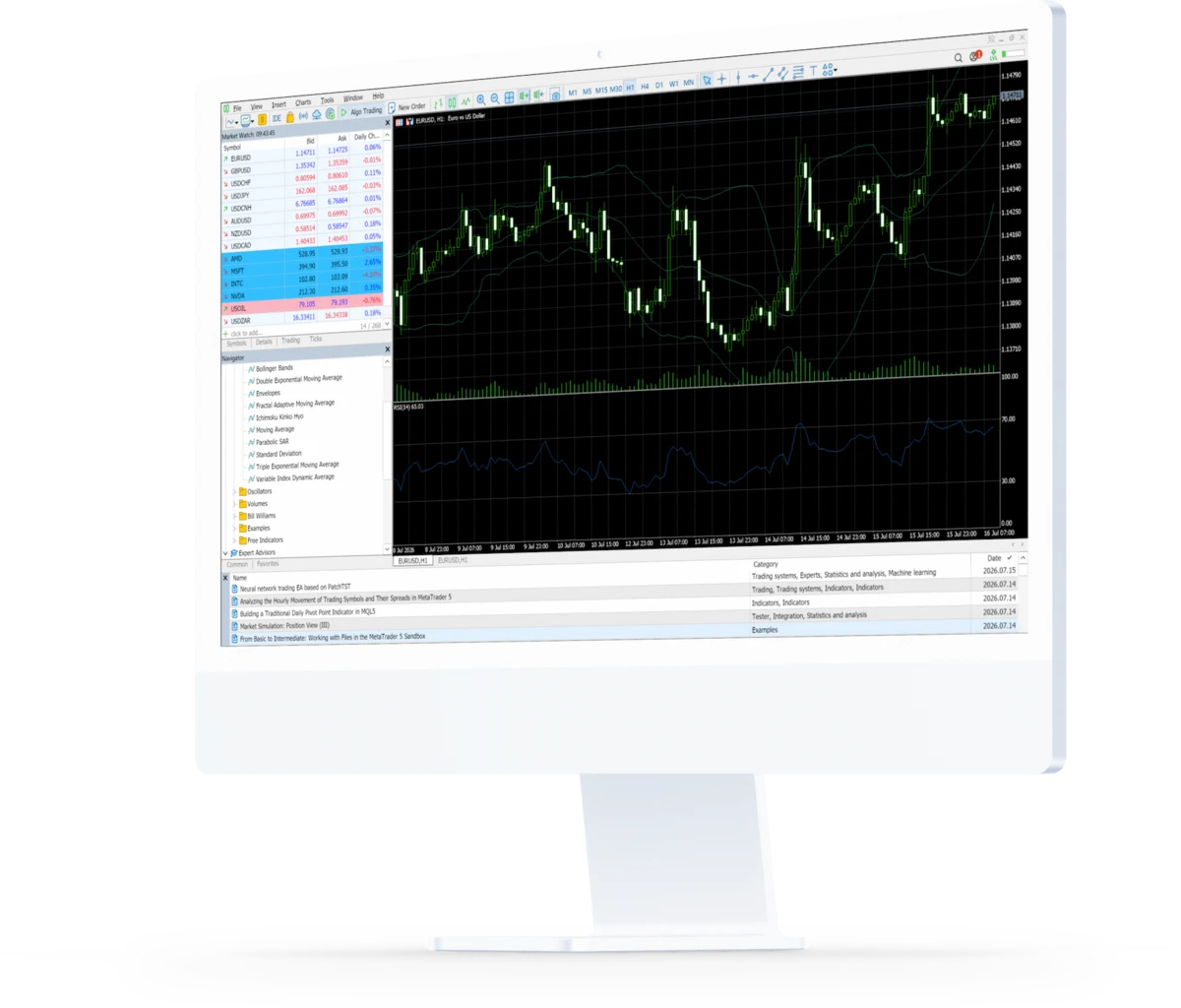
Multi-asset by design
Forex, indices, commodities and shares from a single login. MT5 was built for more than currencies from the day it shipped.
21 timeframes
From one minute to one month. Drop from the weekly trend down to the entry candle without ever leaving the chart.
80+ analytical tools
38 built-in technical indicators and 44 analytical objects, with up to 100 charts open at once.
Algorithmic trading
Write Expert Advisors in MQL5 and put them through the built-in Strategy Tester before they ever touch a live account.
Depth of Market
See the whole order book rather than just the top of it, across four execution modes and six types of pending order.
Trusted Worldwide
MetaQuotes has been building trading platforms since 2000 and MT5 has been in the market since 2010. Nothing here is experimental.
Trade on any device
One account, every platform. The Windows and mobile builds arrive pre-configured for our server.
Logging in for the first time? Choose RocketX-Live as your server.
From download to first trade
Four steps, once you have picked your build above.
Download the platform
Pick the build for the device you trade on above. The mobile installers already know which server to look for.
Install and open it
Run the installer and launch MetaTrader 5. On desktop, choose RocketX-Live from the server list when it asks.
Log in to your account
Enter the login and password from your account confirmation email. Your account has to be verified and funded first.
Place your first trade
Open Market Watch, pick an instrument and take your position across forex, indices, commodities and more.
Download and setup questions
Do I need MetaTrader 5, or will MetaTrader 4 work?
RocketX accounts run on MetaTrader 5. MT4 will not connect to our server, so install the MT5 build for whichever device you trade from.
Is there a Mac version?
Yes — MetaQuotes ship a macOS build of MetaTrader 5, and you can grab it above. It is their standard build rather than a RocketX-branded one, so choose RocketX-Live from the server list the first time you open it. If you would rather not install anything, WebTrader runs the same platform in your browser.
Which server do I choose when I log in?
RocketX-Live. The iOS and Android installers above already point at it. On the Windows terminal, pick it from the server list when you add your account.
Where do I find my login details?
They arrive with your account confirmation email once your account has been verified. If you cannot track them down, our support desk will sort you out.
Can I use the same account on more than one device?
Yes. The same login works across the desktop terminal, the mobile apps and WebTrader — leave a position open at your desk and check it from your phone.
Need a hand getting set up?
Our support desk can walk you through installing and connecting to your account.